NODERIQ connects robotic missions, AI workflows and edge execution. NowFlow and NeuraOS form its workflow and edge layers. QFlow Studio brings quantum circuit design, simulation and experiment records into one workspace.
NODERIQ is our platform direction for shared mission intelligence, workflow coordination and edge execution. QFlow Studio is our quantum workflow product. Start with the job, then inspect the relevant layers and current scope.
01
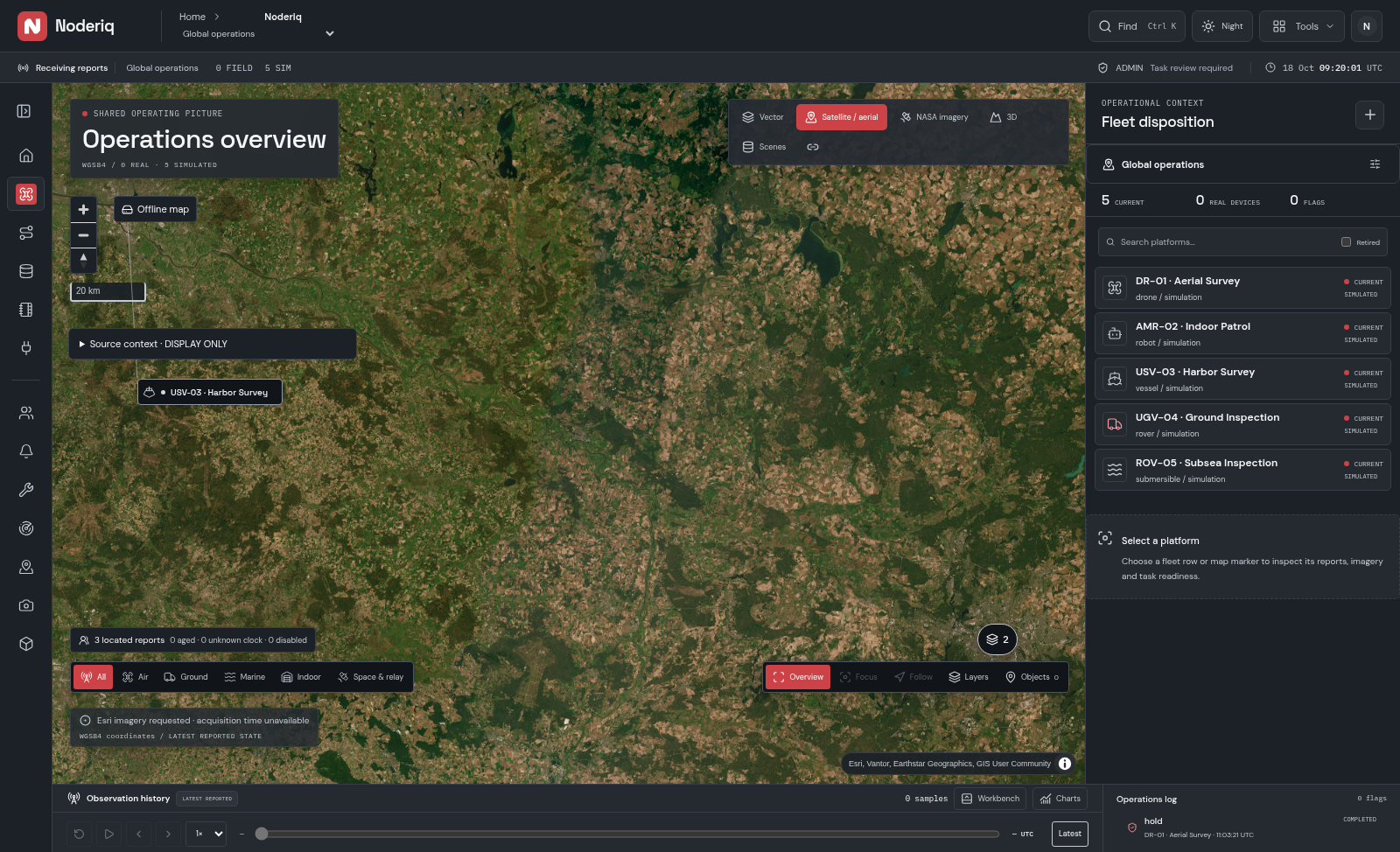
Coordinate observations, agents, devices and decisions. NowFlow supplies the workflow layer; NeuraOS supplies the edge foundation within NODERIQ.
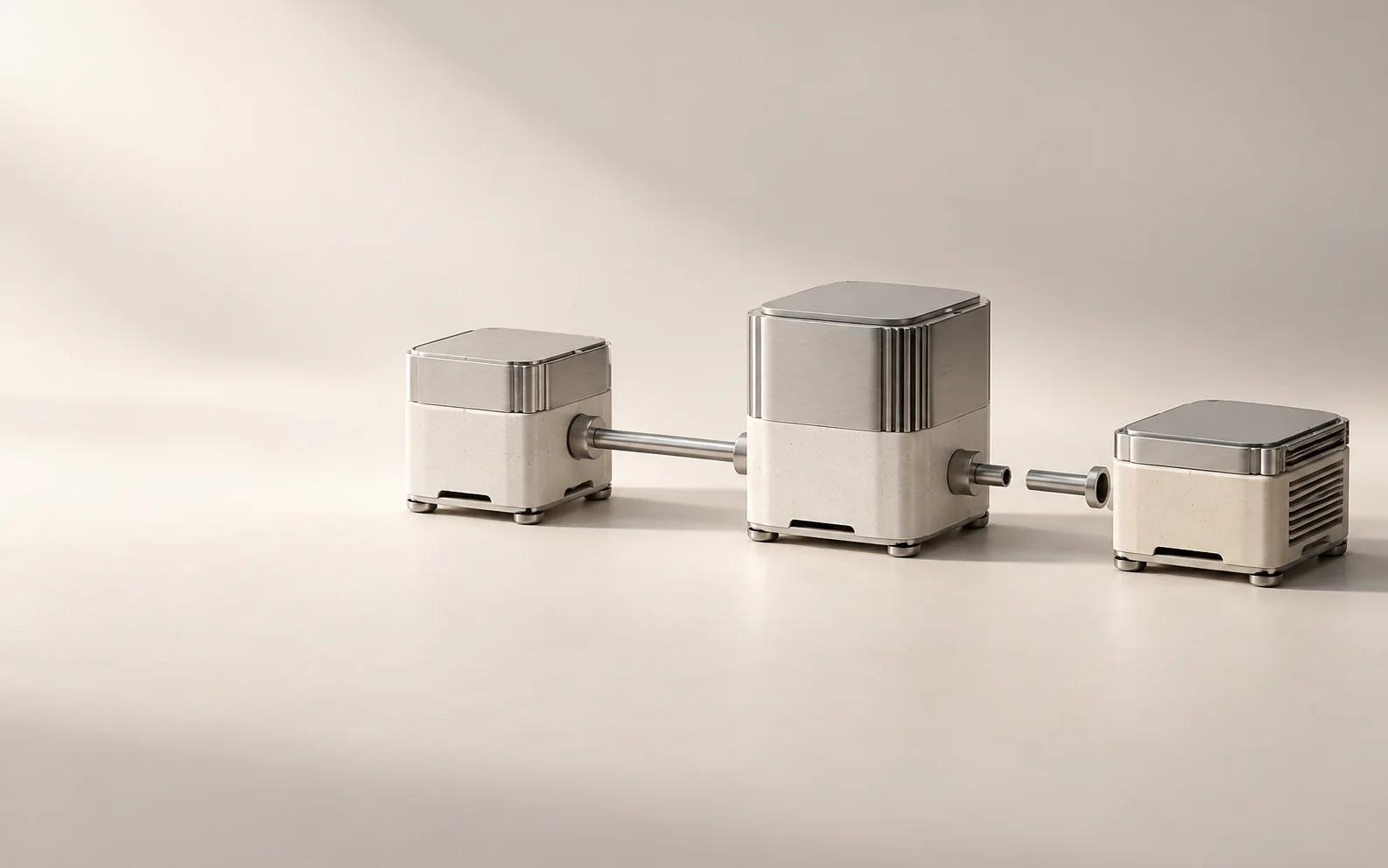
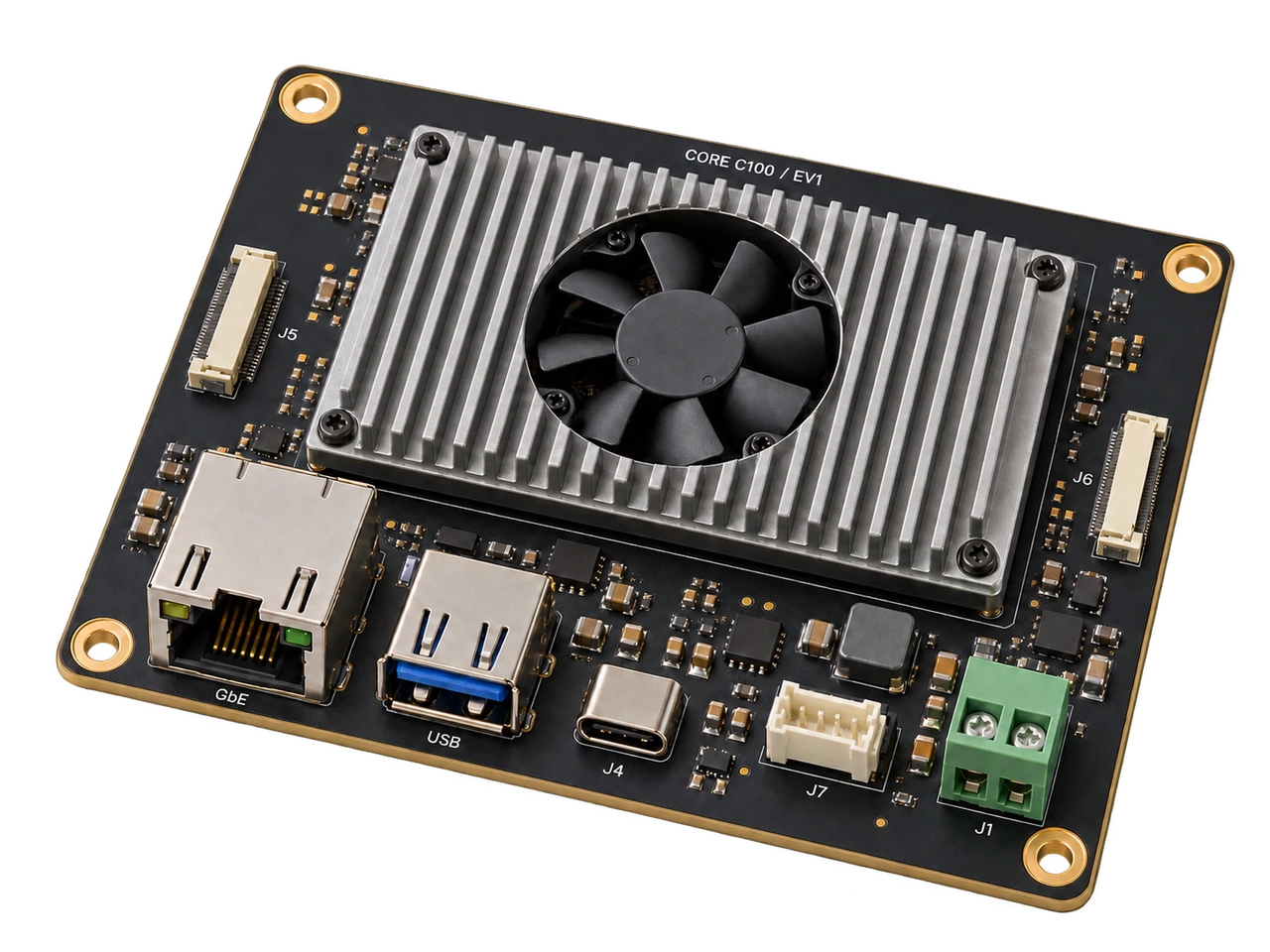
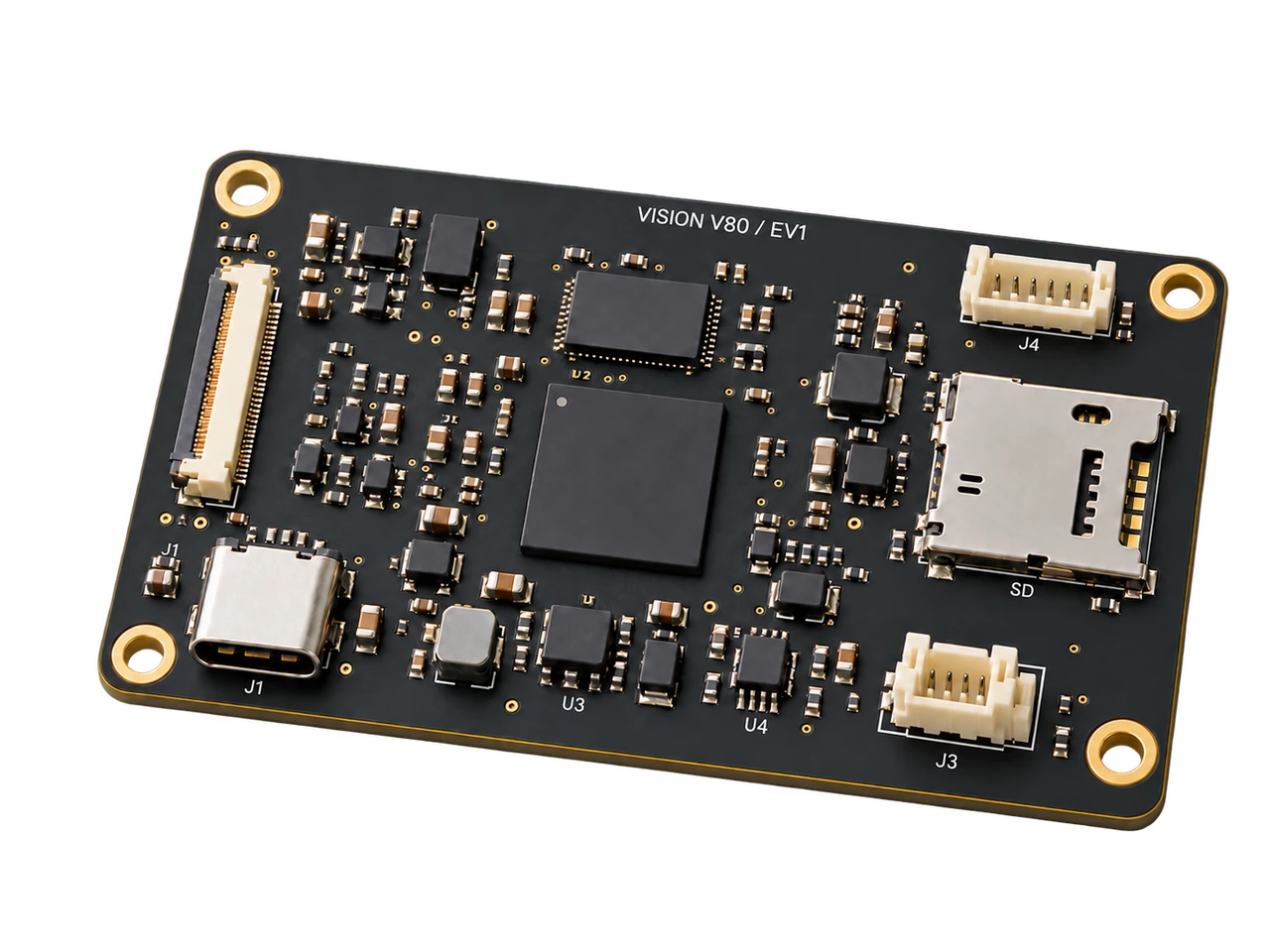
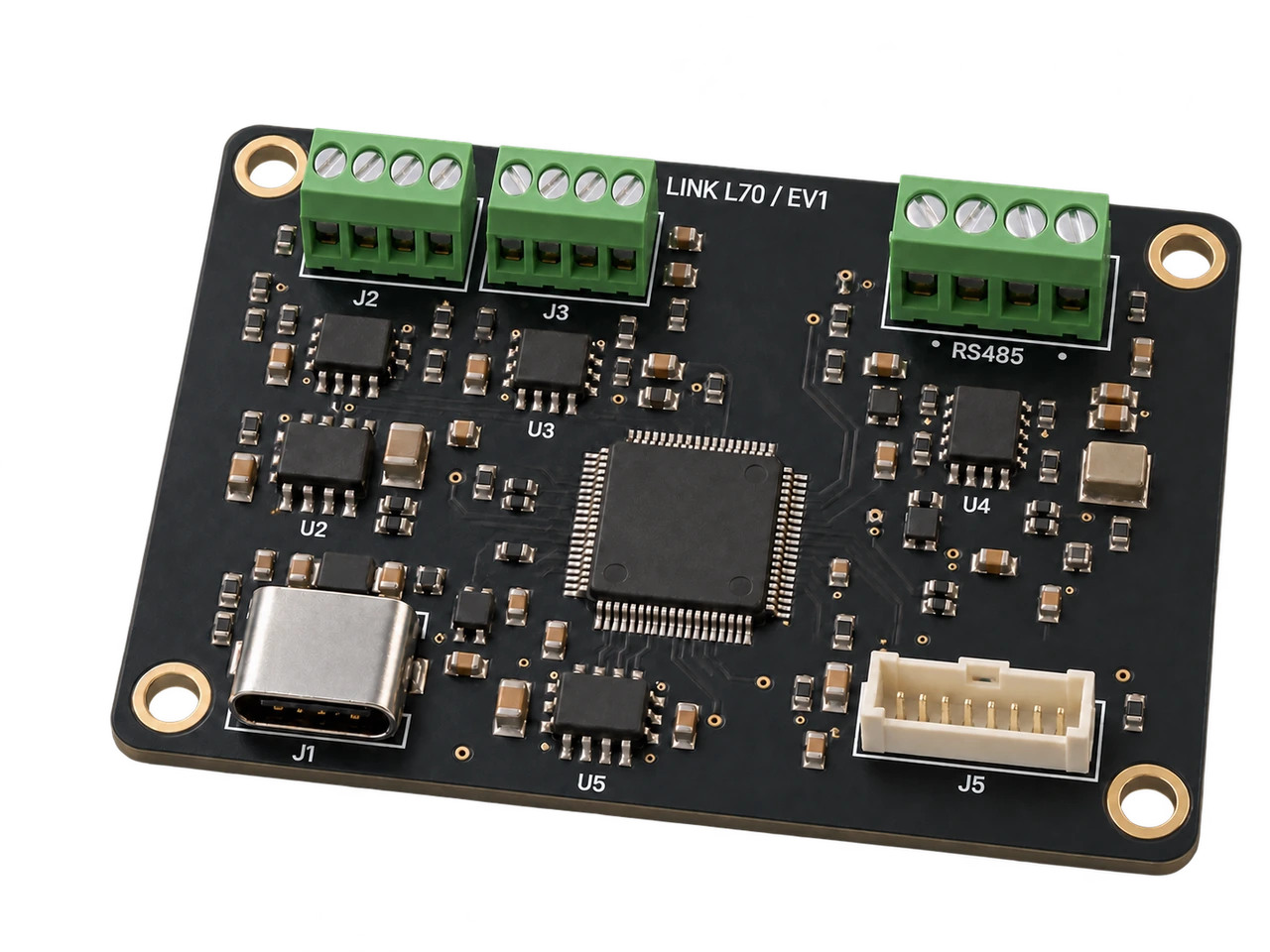
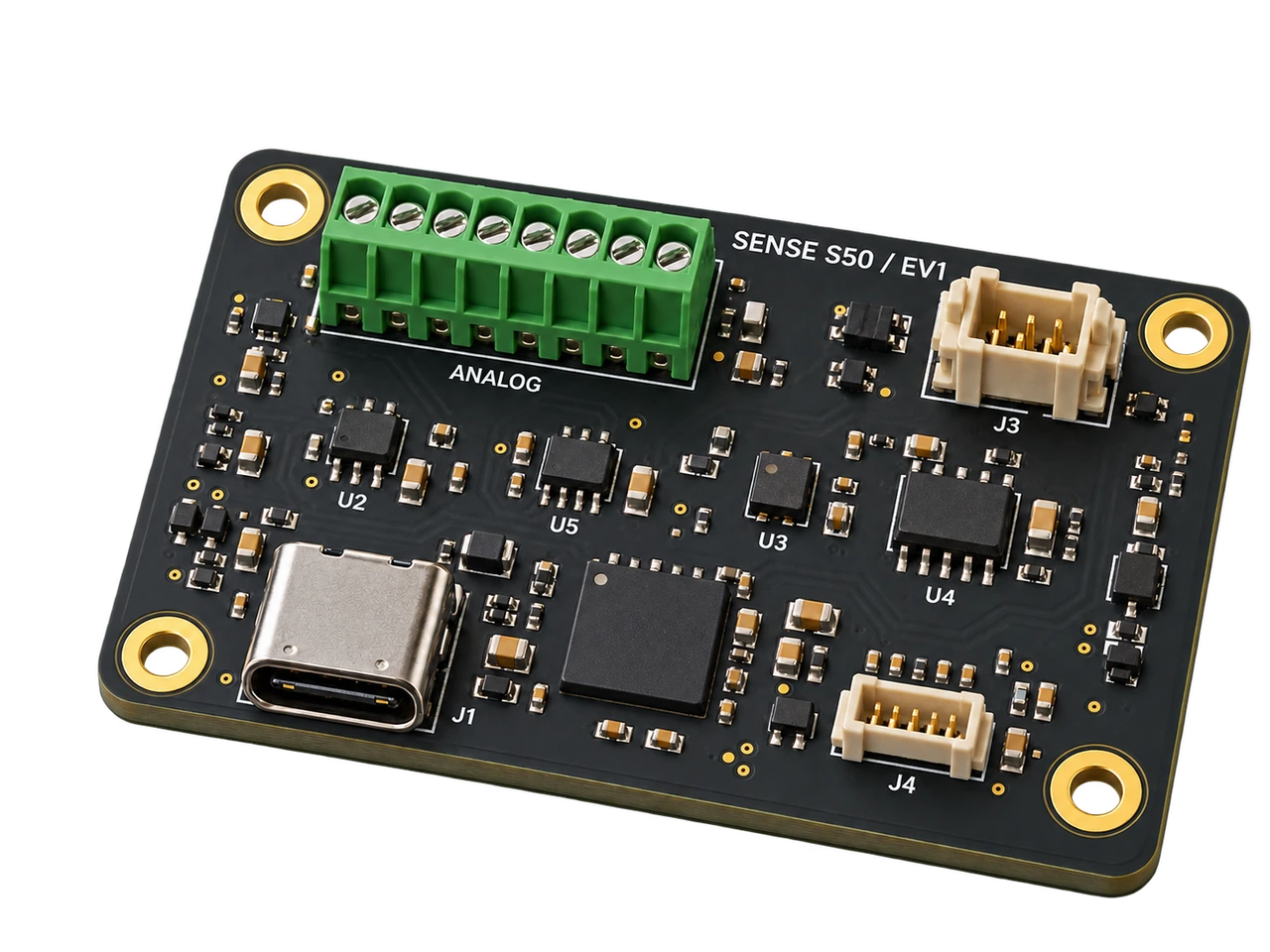
Four evaluation profiles for mission compute, camera processing, robot I/O and sensing. Start with the hardware role, then explore its dimensions, integration plan and bench procedure.
EV1 product architectures. Electrical release and physical qualification remain part of the evaluation work.
03 / Engineering thread
From intent to evidence.
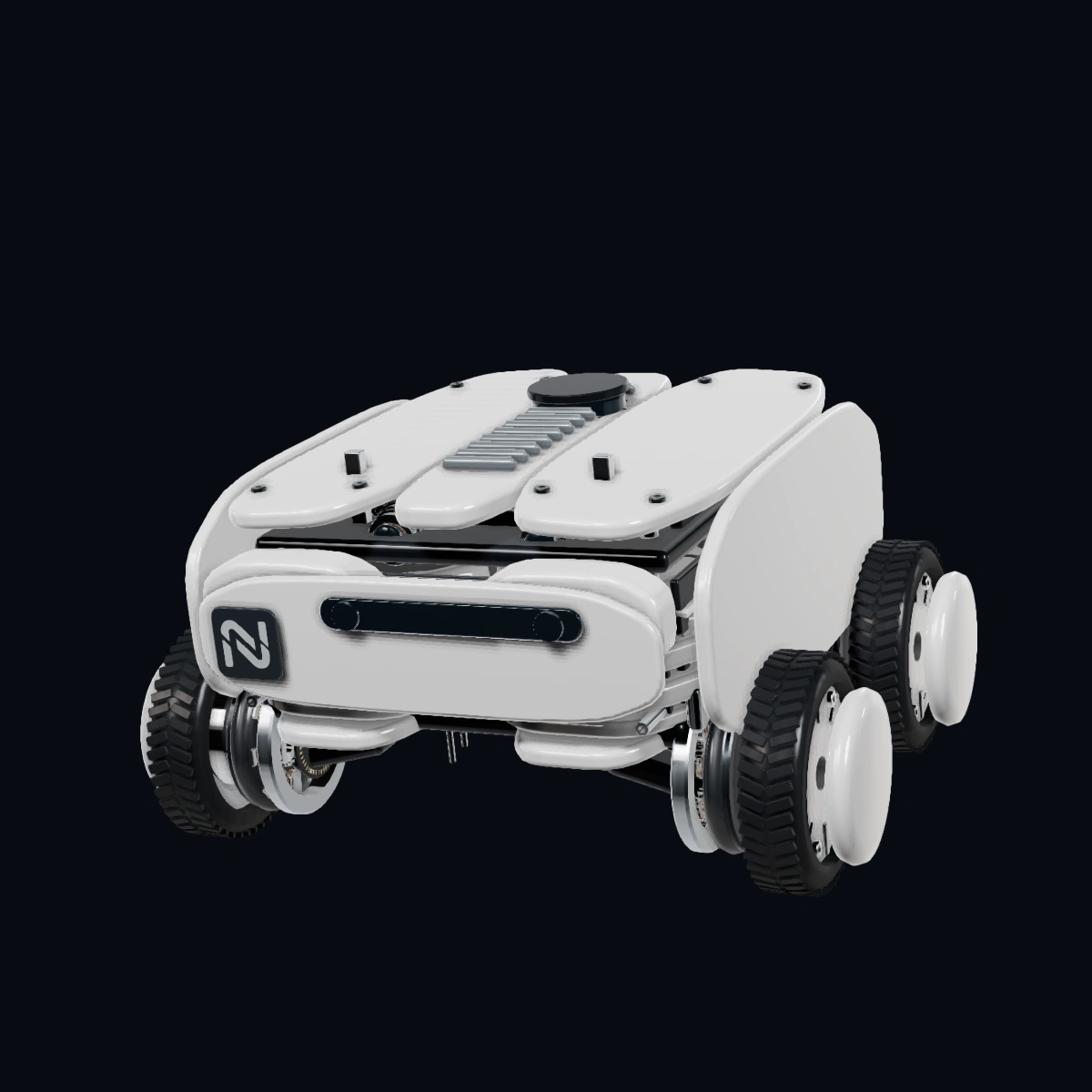
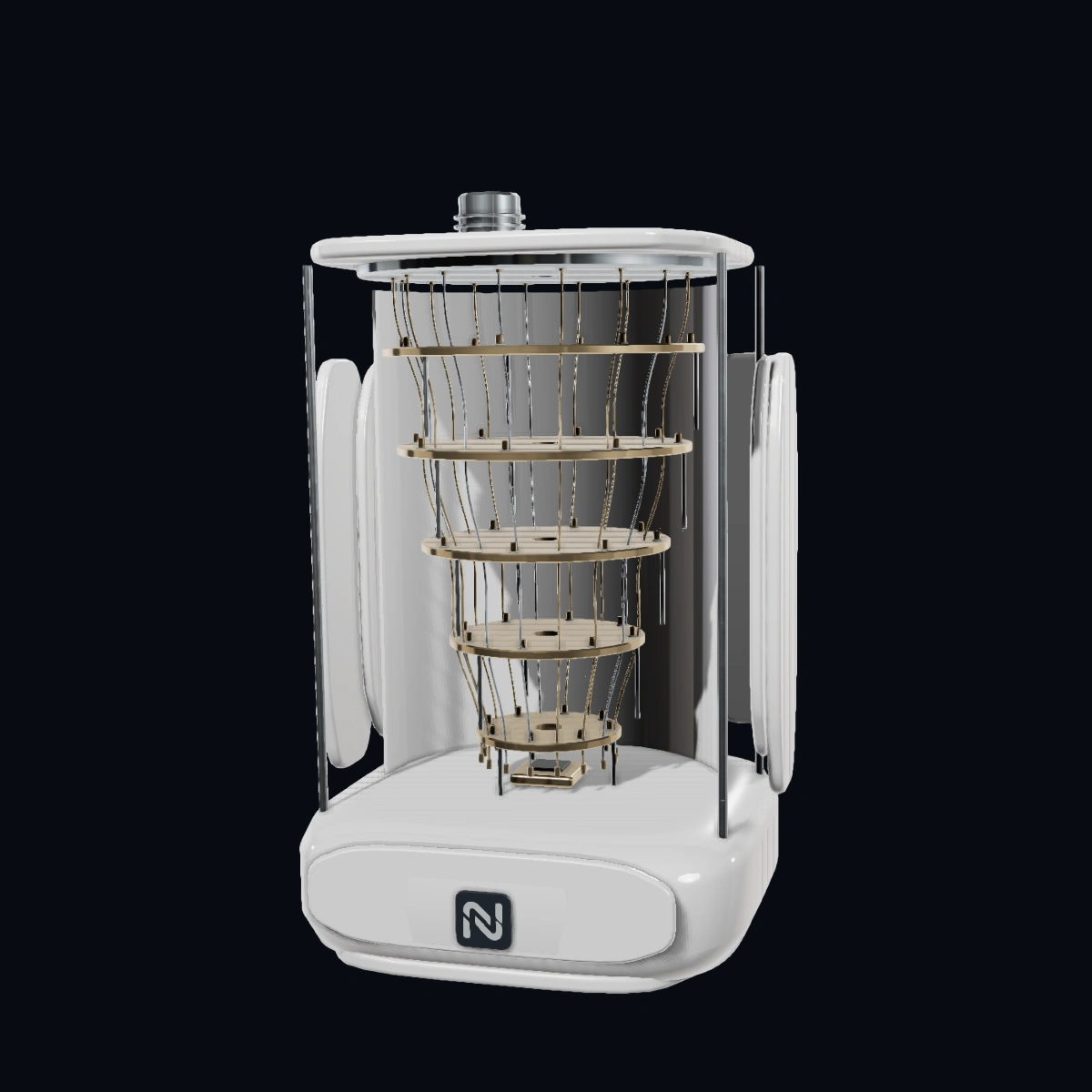
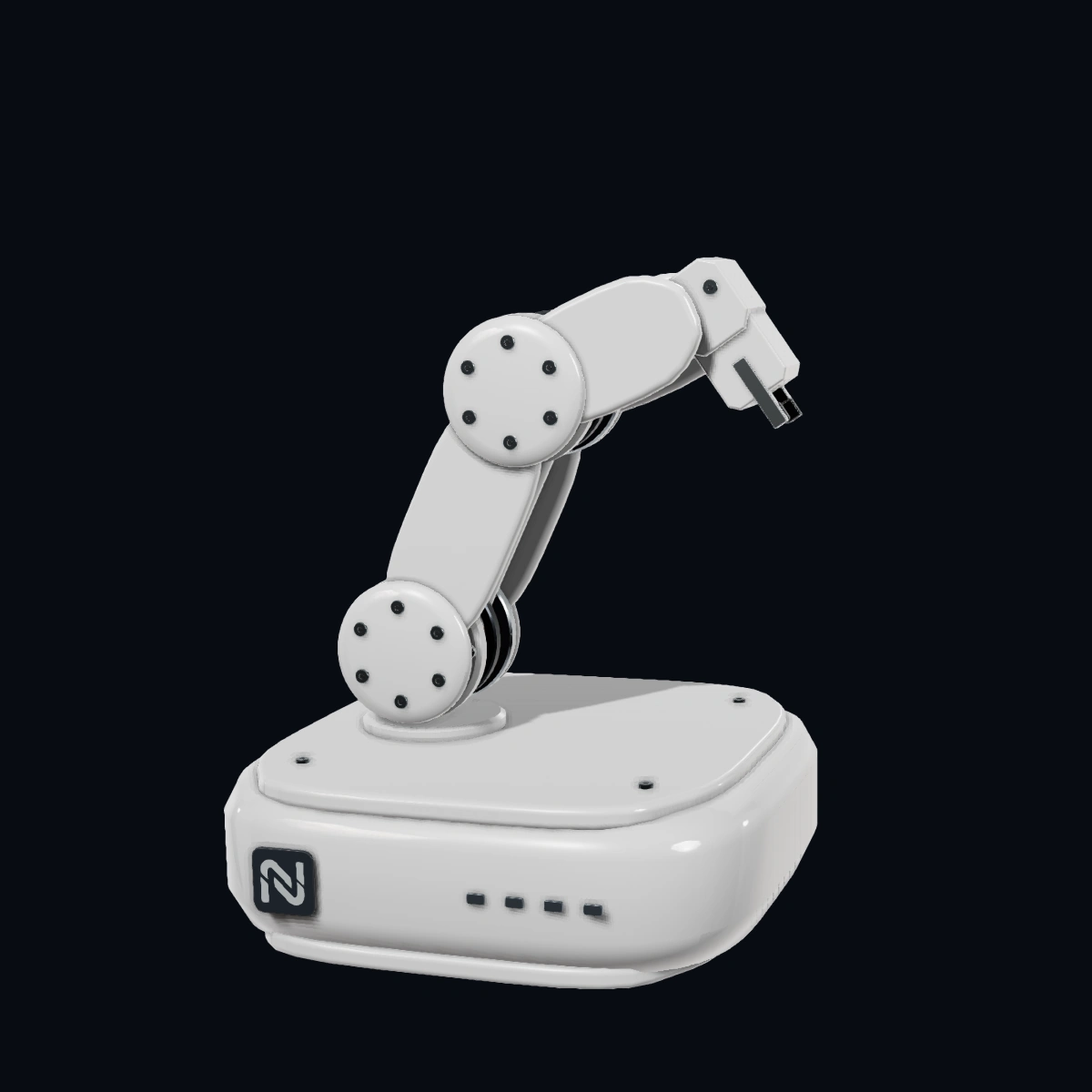
Five device studies connect mission planning, experiments and field observation. AERA and MIRA are our developing hardware; the explorer, cryostat and arm are reference assemblies.
01Mission
Define the mission.
For a robotic mission, set the task, machine limits and accountable person before handing work to software.
02Experiment
Make the experiment inspectable.
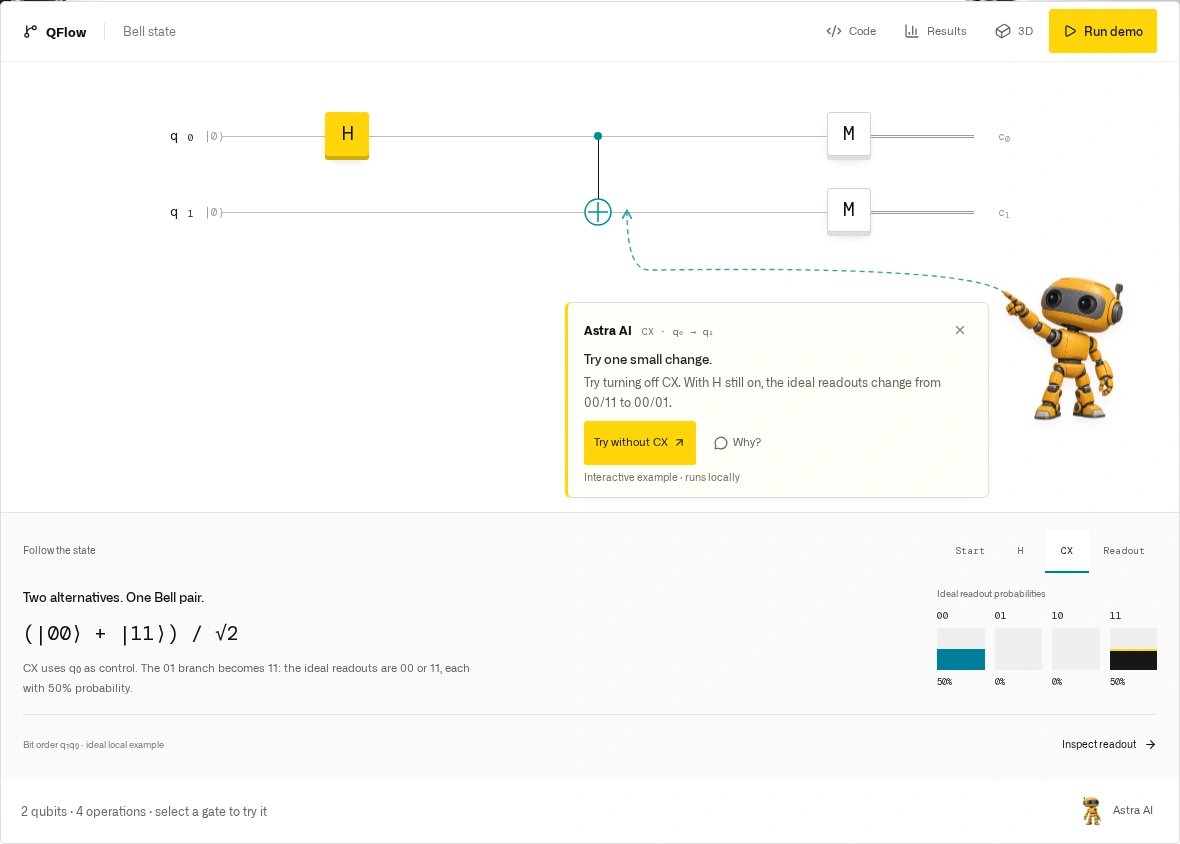
QFlow Studio connects the brief, circuit, selected run route, code and result. A researcher can follow the record, not just the result.
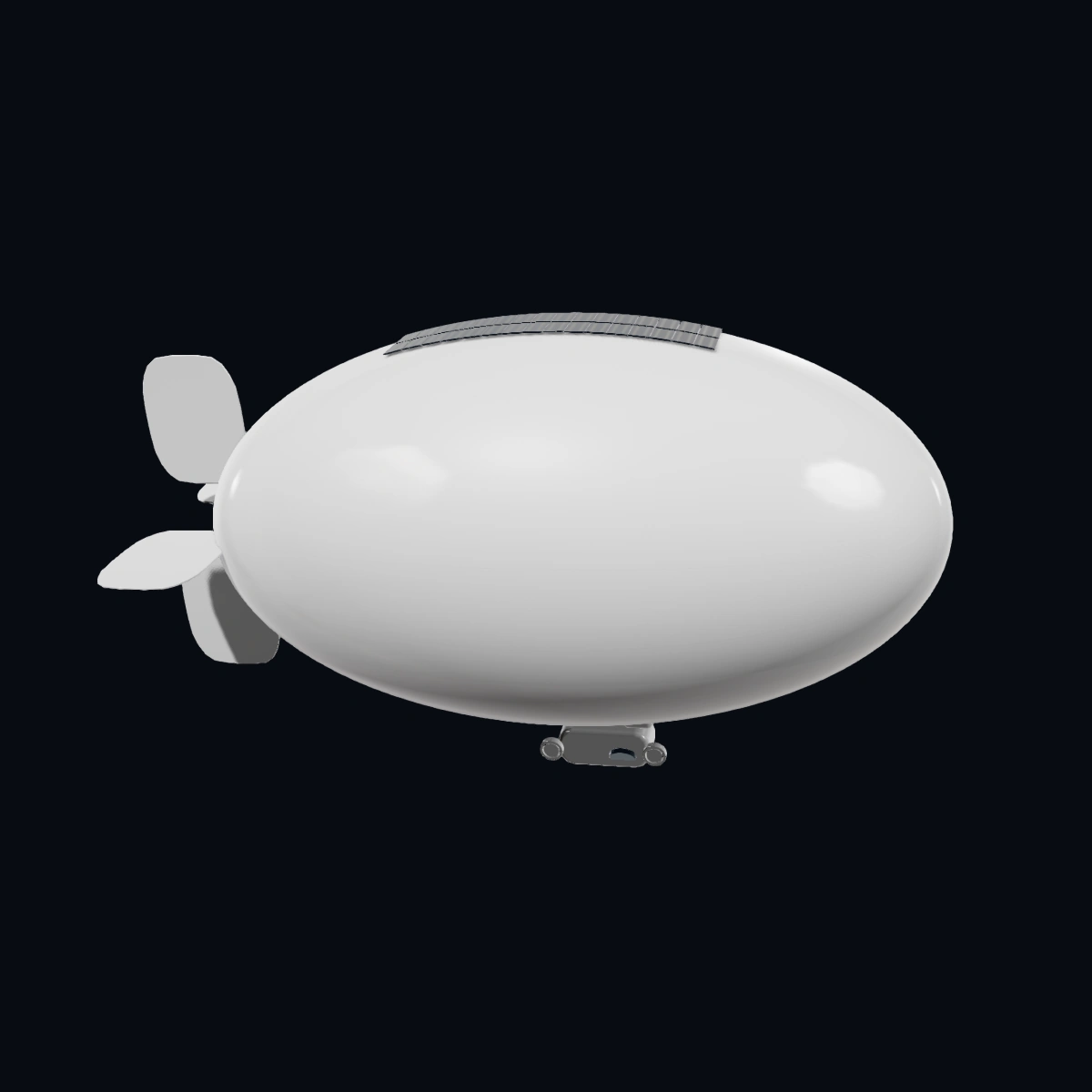
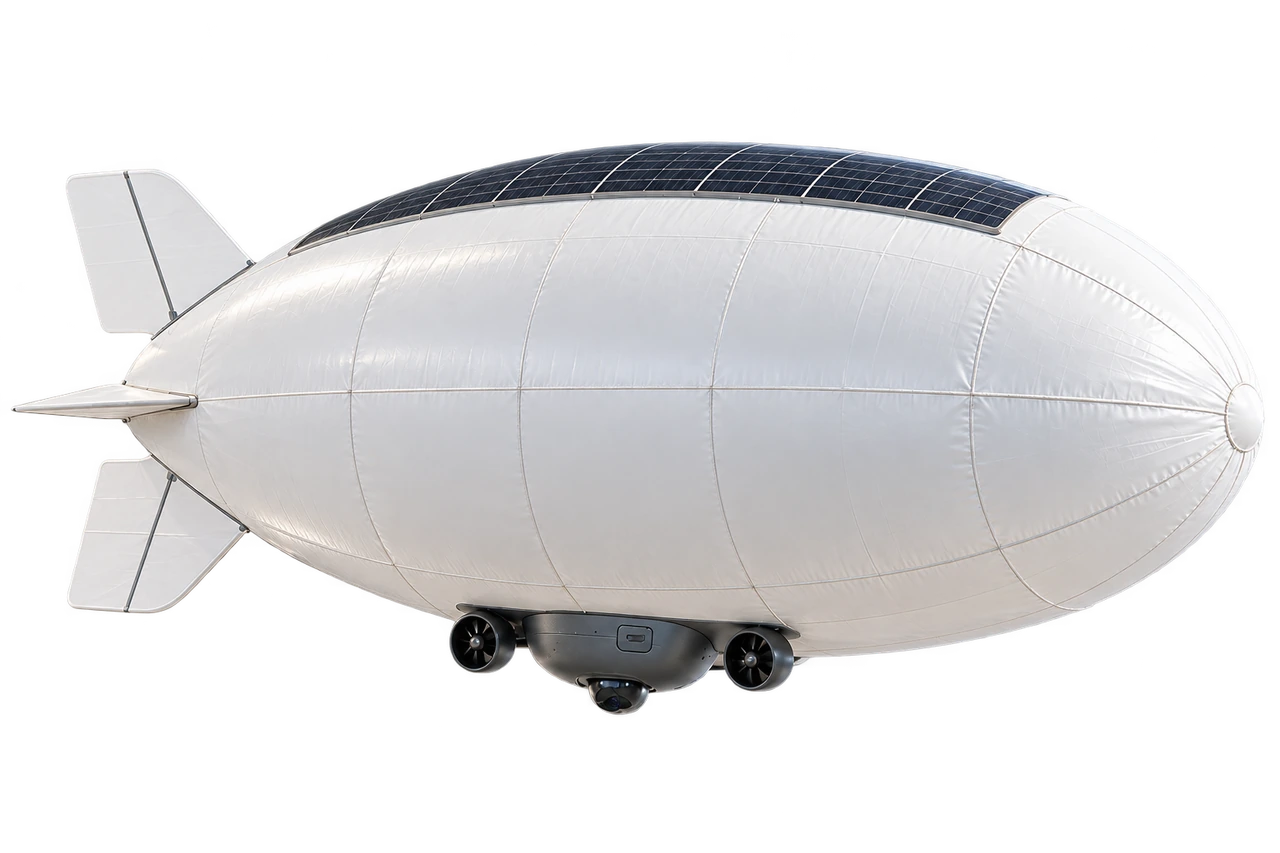
AERA combines a compact buoyant envelope, a removable sensing pod and solar laminate. We are developing it for local observation, with mission data intended for NODERIQ.
R1 design targets. Hardware testing and NODERIQ integration are ongoing.
NODERIQ is being developed to connect device state, task ownership and evidence. Each machine keeps its own control and safety boundary, with an accountable operator.
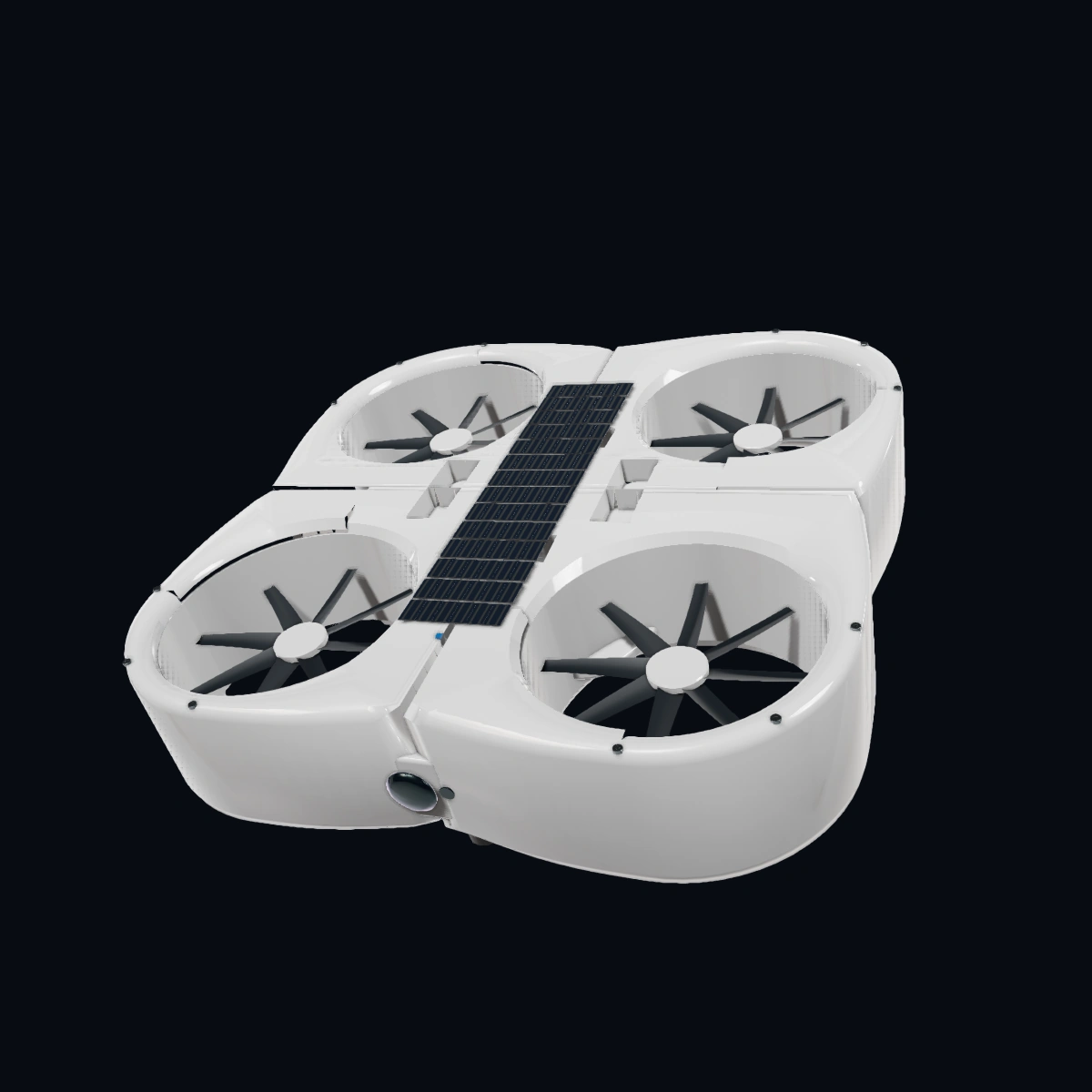
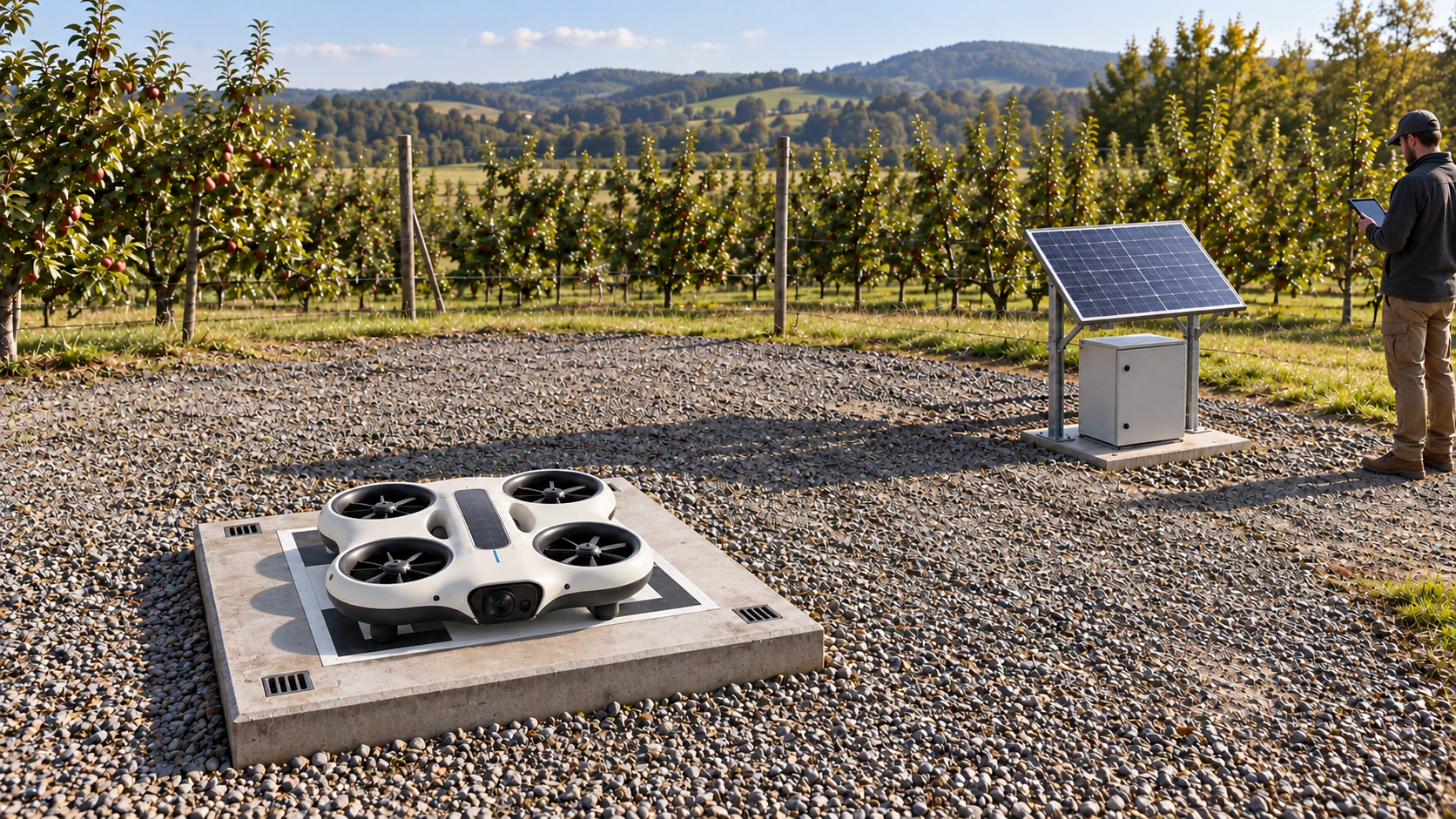
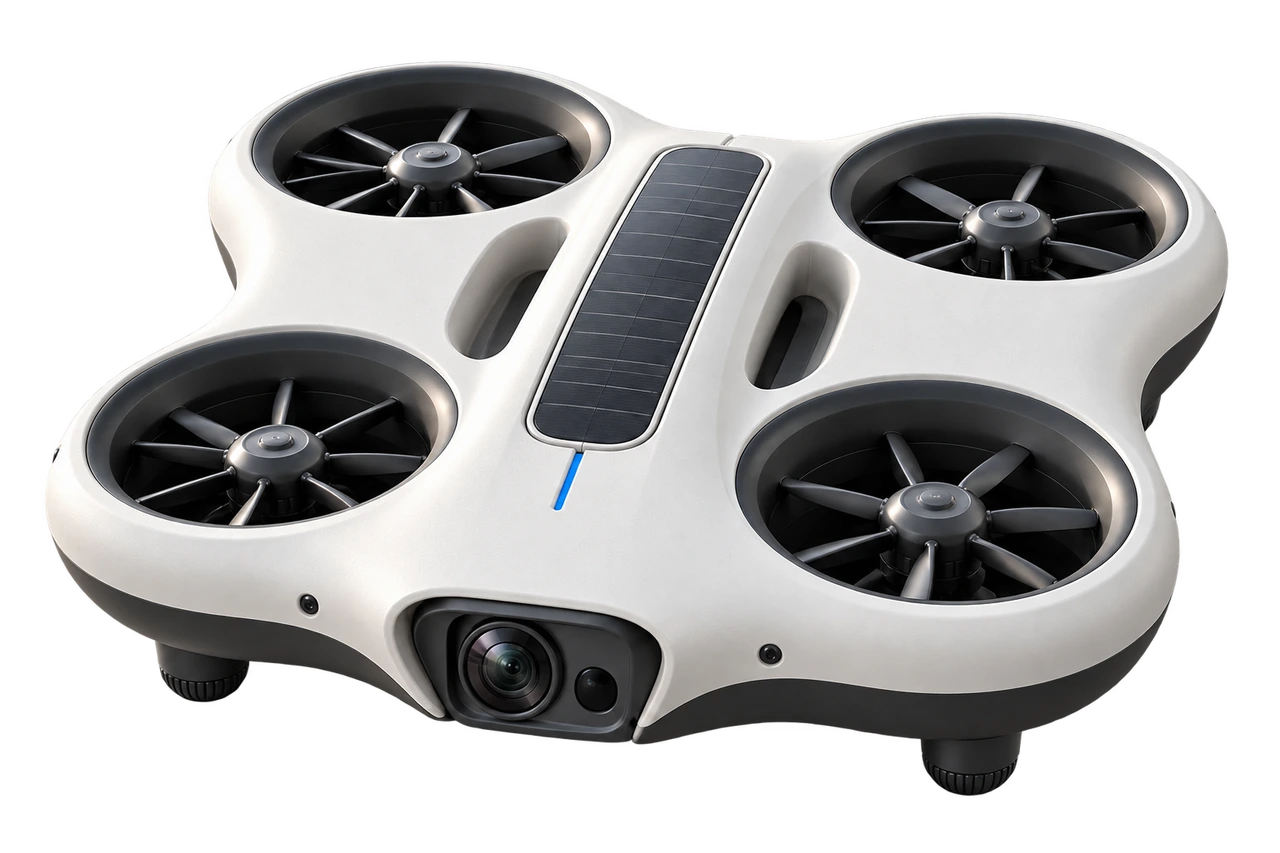
MIRA combines four protected rotors, a recessed sensor unit and a central solar strip. Local observation and returns to MIRA Point are part of its development, with captured evidence intended for NODERIQ.
R1 design targets. Hardware testing and NODERIQ integration are ongoing.
Device study · complete architectureAssembledOpening · the same components stay in viewOpeningTransforming · components finding their next roleTransformingConverging · a new device takes shapeAssembling
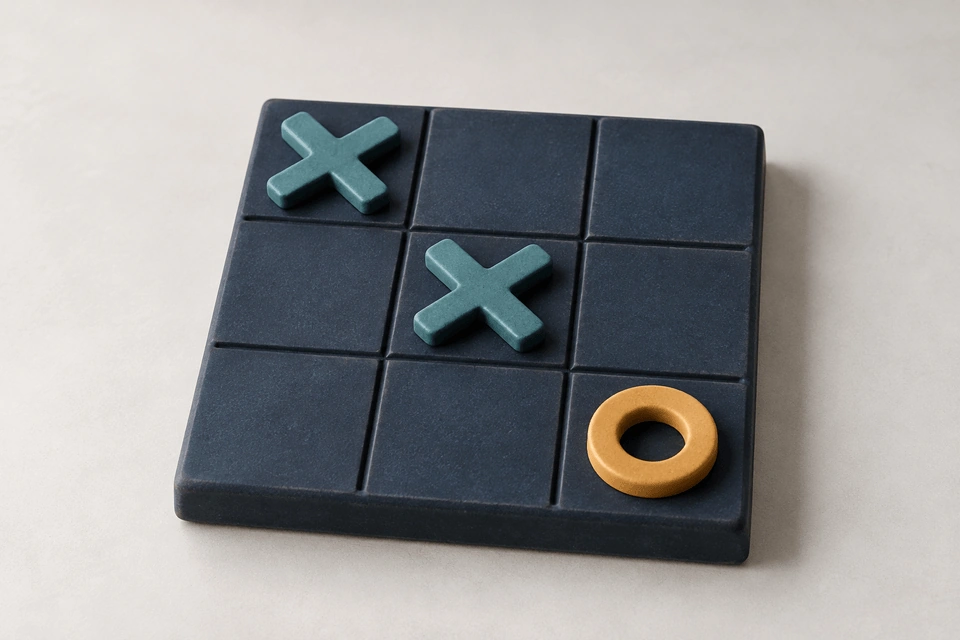
Free browser games. No account, installation or saved progress. Each game explores quantum ideas through a local simulation.
05 / Robotics research
One mission can cross several machines.
NODERIQ-RCN extends the NODERIQ product through collaborative research. Consortium development continues around fragmented context, difficult handoffs and resilient recovery. Broader applications and physical validation keep local safety, human judgement and platform-specific evidence explicit.











 QFlow Studio
 NODERIQ