Skip to content
NEURA PARSE

Developers

Start with the right technical context.

Choose the artifact you need to inspect: a quantum workflow, a governed graph or an edge software reference.

Use the product record to understand its current scope, then follow the real documentation or brief. Route status, credentials and target acceptance depend on the environment you intend to use.

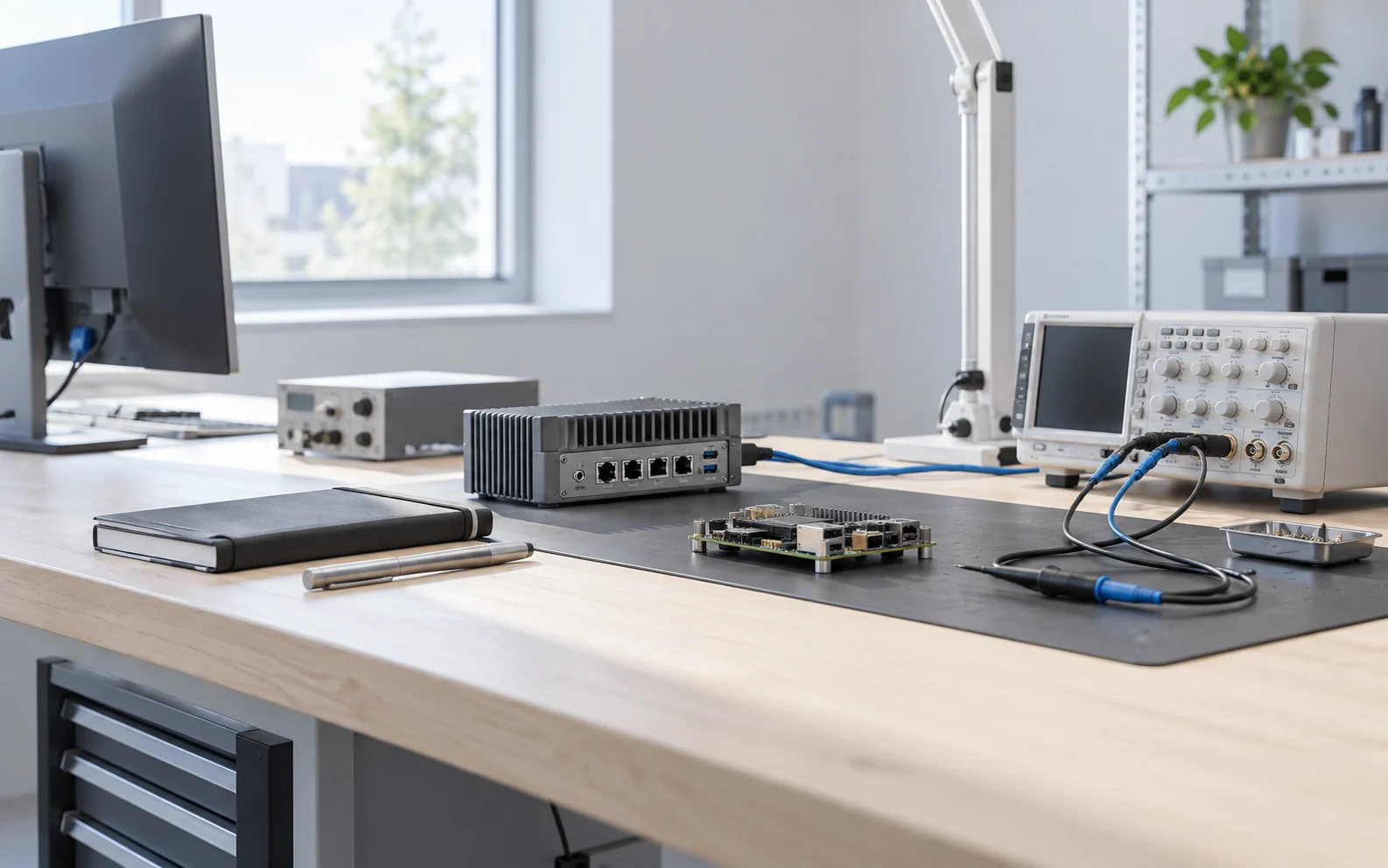
Dark validation desk with a blank monitor, separate chip carrier, closed notebook and unbranded edge enclosure
Conceptual validation setting · separate technical paths

Technical starting points

Find the record for your work.

The public samples below show what can be reviewed now. Each product has its own documentation, access decision and operating boundary.

Public QFlow Studio Bell State sample showing a circuit canvas and generated source panel

01 / Visual quantum workflow

QFlow Studio

Trace a circuit from design through route selection, generated source, local simulation and its reviewable result record.

Begin with
Open the public Bell State sample, then read the docs beside the current route-status matrix.
Check before use
Provider paths have different beta, validation, preflight and planned states. A credentialed submit needs the selected route, your access and a human approval step.
Current boundary
The public sample is illustrative; a provider listing is not an access guarantee.
Public NowFlow simulation preview showing a governed control graph and operator view

02 / Governed workflow

NowFlow

Model a bounded graph of scoped agents, tools, conditions, approvals, checkpoints and failure paths before exposing it to an operator.

Begin with
Use the official docs to identify the graph and surface you need; read the public control-graph preview as a simulation example.
Check before use
Agree identity, tool permissions, retention, model-provider and security requirements for the actual environment before an operational handoff.
Current boundary
The pictured robotics route is simulation only, not a fielded machine integration.
Concept workstation with a code-drawn NeuraOS mission-design board beside unqualified robotics hardware studies

03 / Edge software reference

NeuraOS

Review the host/QEMU reference, mission and device contracts, command authority and the verified offline NowFlow SDK workflow.

Begin with
Read the public product brief for the 1.0.0-rc.8 host/QEMU scope and the available integration formats.
Check before use
Qualify the exact target, firmware, controller, safety boundary, signing and acceptance evidence before any physical use.
Current boundary
Physical operation is NO-GO. The public repository contains the brief, actual R75 local-console captures and design concepts, not implementation source or binaries.

Open engineering

Inspect what is public.

Public documentation and source have their own scope and version. An image or product brief does not imply that every integration, binary or implementation source is distributed.

For a technical review, bring the intended environment, the route or target you want to evaluate and the evidence your team needs to accept. The public records can then anchor a bounded discussion.