
Product / NeuraOS
Match the mission to the machine.
Read the sequence
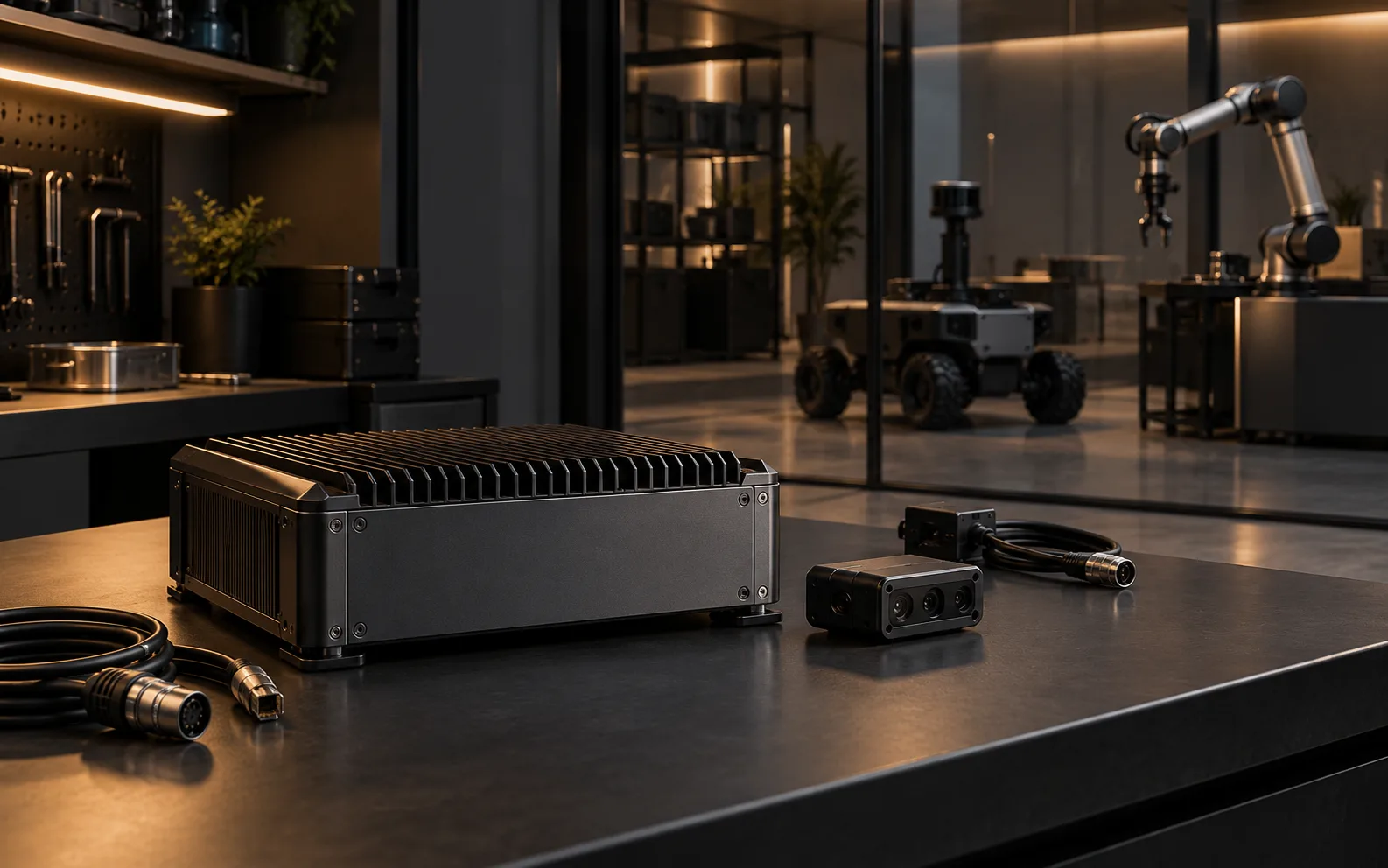
- Conceptual integration study. Conceptual edge enclosure and stationary robotics workbench. Advisory assignment, human release and typed evidence.
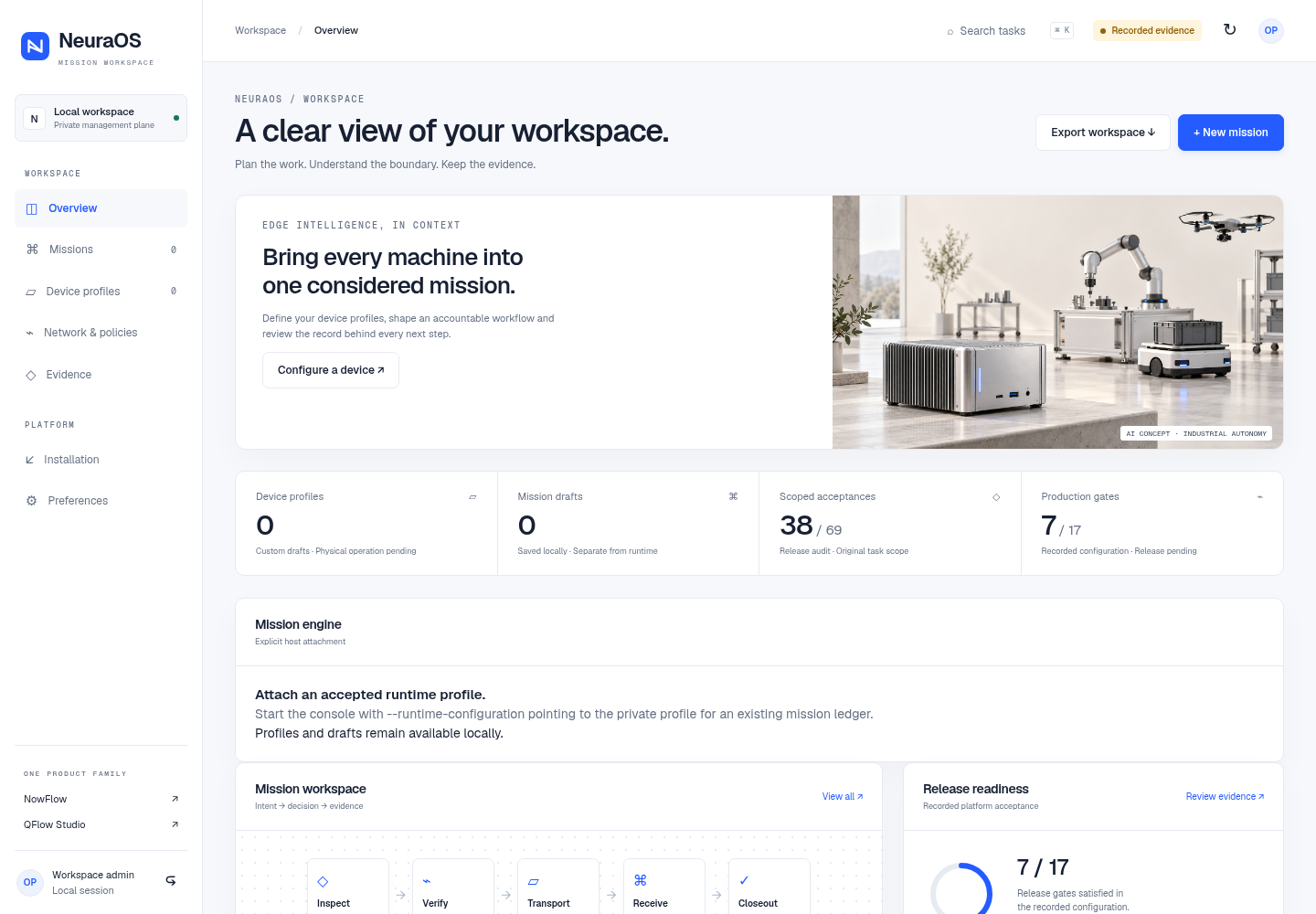
- Implemented R75 reference console. The actual Overview capture shows a local, unbound reference console.
- Code-drawn mission interface concept. The proposed view connects a task, device recommendation, human release and required evidence.
- Editorial workflow map. Illustrative decision path: context and capability inform advice; a named person releases; edge admission and evidence close the task.
- Current boundary. Host and offline software checks do not qualify a physical device; physical operation remains NO-GO.
Plan work across devices, recommend assignments from capability and current context, require human release and verify every handoff. NeuraOS provides the edge software foundation; each physical target still needs its own integration and qualification.
01 / The work
One mission can need several machines.
An inspection may pass from a sensor to a verifier, ground robot and workcell. NeuraOS keeps the task, capable device, command decision and expected result in one mission record.
Its verified offline example follows five task outcomes from inspection to closeout. It distinguishes command admission from physical completion and keeps the required artifact with the typed result; it does not establish a field deployment.
Evaluation brief
Inspect the decision before the command.
- Bring
- Identify the robot or device model, firmware, interface, operating conditions and task. A general device category is not a compatibility decision.
- Inspect
- Trace the mission, advisory capability match, named human release, command admission and typed outcome with its required artifact.
- Decide
- Qualify the adapter, local controller and physical behaviour for the target. The host reference and offline SDK checks do not authorise field operation.
Mission intelligence / Bounded authority
Give the right machine the right task.
The reference software matches capabilities and context to propose assignments. It keeps permission, device readiness and proof of completion connected without handing physical safety authority to AI.
- Coordinate the whole job
- Match tasks to capable devices, sequence their handoffs and reserve the resources they share.
- Choose feasible assignments
- Use fresh context, device availability and estimated travel or energy costs to recommend who should do what.
- Keep people in command
- Bind each command to an approved mission, a named identity, an allowed capability and a validity window.
- Handle uncertain connections
- Check link freshness and device readiness before admitting work. Keep unresolved ownership visible for reconciliation.
- Prevent duplicate execution
- Preserve command intent across restart and reject stale or changed replays before work is admitted again.
- Know what actually finished
- Attach acknowledgements, typed results and artifact integrity to the mission. Acceptance alone does not close a task.
Implemented in the host software reference. Device transports and physical control paths are accepted for the specific system.
02 / How the work moves
From mission intent to device evidence.
The intelligence layer can recommend who is suited to a task. Human authority, edge admission and the local controller decide whether the work may proceed; evidence closes the result.
- 01
Define the mission
Describe the job, required capabilities, shared resources and evidence that would show each task is complete.
- 02
Match and review
Use current context to propose an assignment, then keep command release with the named human authority.
- 03
Admit the command
Check identity, permission, freshness and device readiness before the approved handoff reaches an adapter.
- 04
Verify the outcome
Return a typed result and matching artifact. Preserve uncertain state for reconciliation before assigning more work.
03 / Public record
See the actual reference console and the mission design.
The implemented R75 reference console has mission, device-profile, network-policy and evidence pages in an unbound local workspace. The host reference also implements mission coordination, durable command intent and evidence controls; the NowFlow SDK passed a five-task offline Python/C/Node workflow. The separate mission board and device-profile illustration show proposed interface designs, not connected fleet operations.
Read the verified software scopeEvidence views04 records
Implemented R75 reference UI
Inspect the working host console.
This first-party browser capture shows the R75 Overview in an unbound local Linux workspace. Mission, device-profile, network-policy and evidence pages exist in the reference UI; the screenshot does not show a connected fleet or authorized physical operation.
Record 01 / 04
- Verified task outcomes
- 5
- One offline inspection-to-handoff mission
- SDK checks
- 112
- NowFlow mission and nine profile variants
- Python tests
- 197
- Latest affected-module software verification
Public software record reviewed 8 October 2026. Distinct verification suites; these results do not establish physical qualification or certification.
Mission workspace / Interface design study
See the mission, the machine and the decision.
Select a task to inspect its proposed device assignment, command gate and expected evidence. This design study maps the five verified offline outcomes; it is not a connected fleet console.
MISSION 01 / INSPECTION TO MAINTENANCE
Assign work. Verify the handoff.
Five linked tasks, capable devices and the evidence required to close each handoff.
verified offline
MISSION PLAN
Task and device
Design study of a verified offline workflow. No live fleet, physical dispatch or qualified device is shown.
The intelligence layer proposes an assignment from capability and current context. A named person releases consequential commands; the edge admits only a scoped, fresh request. A typed result and matching artifact are needed to close the task.
The inspection-to-closeout path is verified through an offline Python/C/Node workflow with the actual NowFlow device-adapter SDK. The selectable board is a code-drawn UI concept, while the separate R75 Overview capture shows the implemented reference console. Physical operation still requires target qualification.
Your machines / Your operating conditions
Fit the platform to the job.
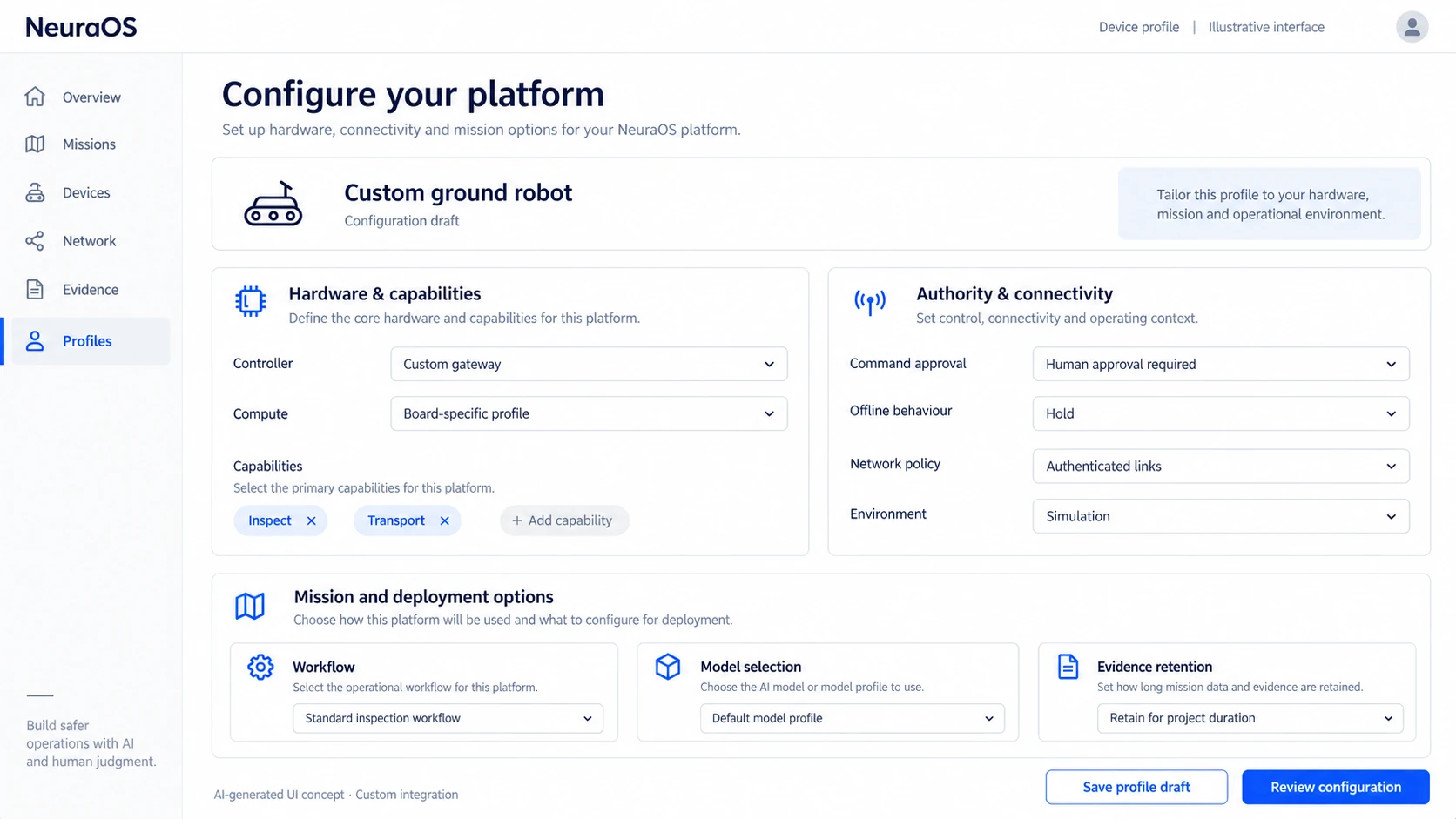
Define device capabilities, mission rules, command approvals, connectivity and evidence retention around the system you need to build.
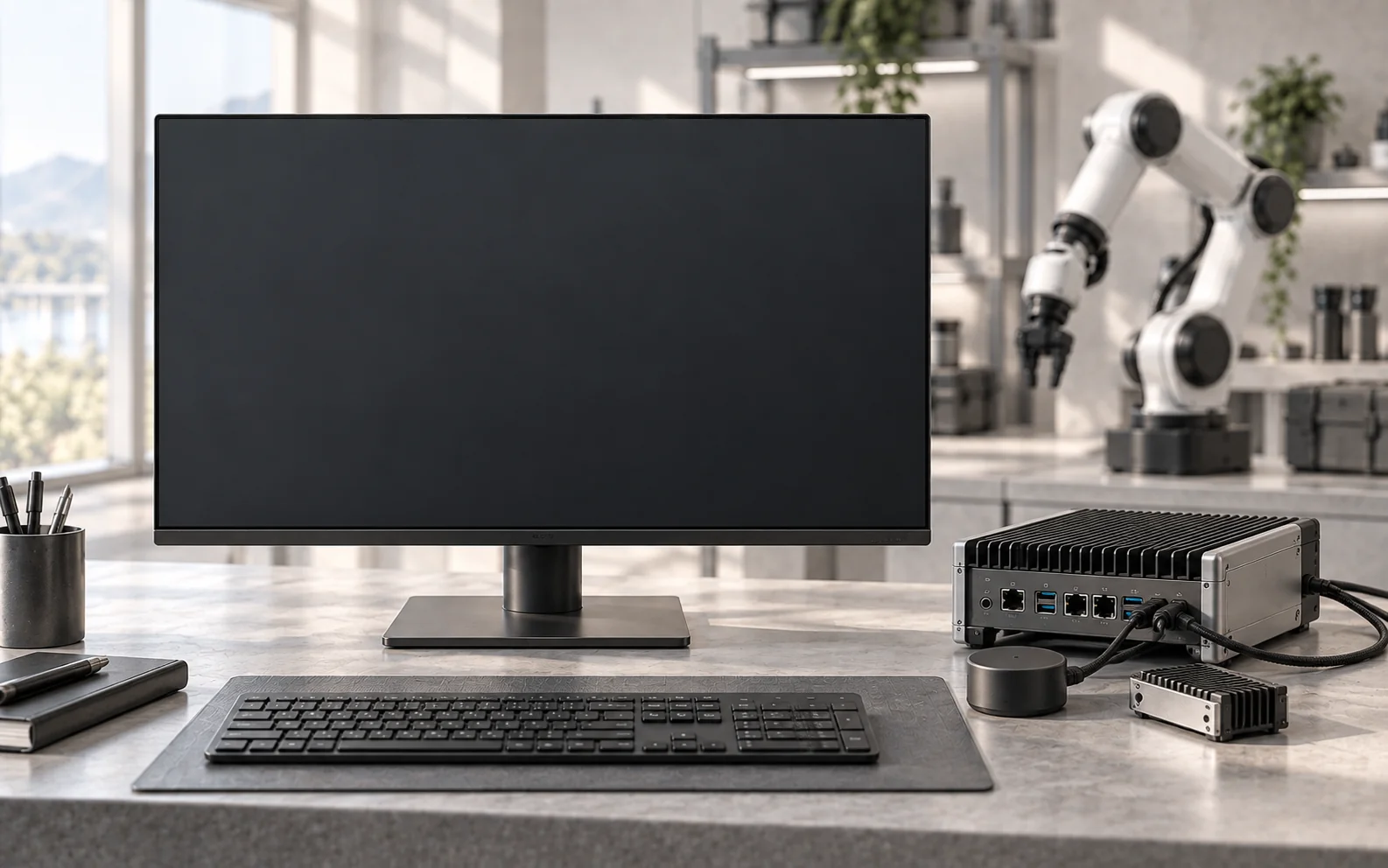
Integration contracts cover ground robots, workcells, drones, surface vessels, underwater robots, sensors, custom hardware and governed agents. Native compatibility is established per controller and environment.
- Fleet gateway
- Add governed task handoffs alongside an existing robot fleet or industrial controller.
- Companion computer
- Keep context, coordination and evidence close to the machine, with local control retained by its controller.
- Custom edge platform
- Build around an exact board, compute module and sensor profile, with defined bring-up and acceptance.
A clear role for each product.
Compose missions, route agent work and review human approvals. The NeuraOS handoff is verified in the offline SDK workflow.
The classical mission-intelligence product connects shared context and coordinated work. Advisory components are implemented in the NeuraOS reference; broader NODERIQ-RCN research and platform validation continue separately.
04 / Current boundary
Know what is ready for your system.
- Available scope
- The 1.0.0-rc.8 host/QEMU reference and scoped integration work. Device contracts cover eight domains; SDK verification exercises nine domain/protocol combinations.
- Device integration
- Native transports, controller mapping, firmware compatibility, models and physical behaviour are accepted for the exact device and operating environment. Existing motion, flight and emergency controllers retain local control.
- Release acceptance
- Seven of seventeen production gates are satisfied; nine field-readiness blockers remain open. Physical operation remains NO-GO and production_authorized: false. Product-security disposition, production signing and target qualification remain required.
- Security foundation
- Root integrity, process isolation, scoped command signatures and replay checks support controlled change. Tested hybrid post-quantum profiles are supplementary host evidence; protected keys and service adoption require target integration.
05 / Before you begin
Questions worth answering.
Can we use this with our existing robot fleet?
A fleet gateway can add mission admission and evidence handling alongside existing controllers. Native compatibility must be accepted for the model, firmware, vendor interface and operating conditions; an integration route is not universal robot support.
How does NeuraOS connect to NowFlow?
NowFlow composes the mission and human review. NeuraOS checks the device handoff and required outcome. The actual SDK and mission-schema connection is verified in the offline Python/C/Node reference, not a field deployment.
What happens if a connection or task is interrupted?
The software reference checks freshness and readiness, preserves command intent and retains uncertain resource ownership for reconciliation. Expiry or retry does not automatically renew authority or prove a physical safe state.
Which dashboard is implemented?
The R75 Overview image is an actual capture of the local reference console. The selectable mission board is a code-drawn design study, and the device-profile image is an AI-generated concept. None shows a qualified physical device or customer deployment.
Can we download or deploy the public repository?
The public repository contains the product brief and visual assets, not implementation code, firmware, models or binaries. Availability, licensing, deliverables and support are agreed for the integration scope. Physical deployment requires qualification and operational approval.
06 / Next step
Bring the machine. Define the job.
Start with your robot fleet, custom device or inspection workflow. We can shape the device profile, mission boundaries and acceptance criteria around the outcome your team needs.
Discuss NeuraOS