

Abstract
Job, batch, and session are scheduling choices around a quantum workload. The right mode depends on whether inputs are ready, whether later jobs depend on earlier results, how tightly runs must be grouped, and what operational record the team needs to preserve.
Gap map
Select the mode from dependencies, not from the mode name.
Start with what is known at submission time, then record the scheduling decision and its operational consequences.
Ask
- Is this one primitive request?
- Are all jobs ready now?
- Does the next input depend on the previous result?
Choose
- Single request → job
- Independent set → batch
- Feedback loop → session
Check
- Plan eligibility
- Backend and queue
- TTL and usage boundary
- Failure recovery
Preserve
- Mode and backend
- Job and session IDs
- Inputs and options
- Status, result, and review
An execution mode schedules work; it does not decide whether the experiment is good.
IBM Quantum currently defines three Qiskit Runtime execution modes: job, batch, and session. Each mode changes how primitive requests are grouped and scheduled. None of them repairs a weak problem formulation, an unsuitable circuit, a missing classical baseline, or an unsupported inference from noisy output.
Treat the mode as one recorded decision inside the larger quantum workflow. Before selection, the team should know which primitive it will call, whether circuits satisfy the target instruction set, which inputs are already available, whether later inputs depend on earlier results, and what budget or timing boundary applies.
TD · Technical depth6 supporting chapters and the working checklist.Read deeper
Use job mode for one self-contained primitive request.
In job mode, a primitive request is submitted without a batch or session context. IBM packages its circuits and inputs as Primitive Unified Blocs, or PUBs, and schedules the request as an execution task. This is the smallest operational unit and the clearest choice for a single experiment or a small validation run.
Job mode avoids creating a wider scheduling container that the workload does not need. It does not remove the ordinary queue, compilation, usage, timeout, or result-retention concerns. The run record should still preserve the backend, primitive, PUB structure, options, job ID, timestamps, status, and exported result.
- Prefer job mode when one request answers the current question.
- Do not open a session to run a single request; it does not shorten the first queue wait.
- Save the job ID before closing the notebook or process that submitted it.
Use batch mode when several independent jobs are ready together.
A batch groups multiple jobs whose inputs do not depend on one another. IBM can process classical preparation for those jobs in parallel and schedule their quantum portions close together. That makes batch a useful fit for parameter studies already known in advance, independent circuit families, or comparisons of several mitigation configurations.
A batch is not a promise of submission order or exclusive backend access. IBM notes that jobs are not guaranteed to run in the order submitted, other users may use available execution capacity, and calibration work can occur between batched jobs. A batch also provides no benefit for a single job, because the first job still enters the normal queue.
Use session mode when the next quantum request depends on classical feedback.
A session provides a dedicated execution window for iterative multi-job work. Variational algorithms are the standard example: the QPU evaluates a cost, a classical optimizer updates parameters, and the next quantum request cannot be prepared until that result exists. Keeping the iterations in a session reduces repeated queue interruptions and the drift exposure created by widely separated runs.
The operational privilege comes with stricter boundaries. Current IBM documentation states that Open Plan users cannot submit session workloads. Session usage includes committed time and interactive waiting behavior, so teams should prepare classical work, submit promptly, and close the session when no more jobs will be added. Access rules, TTLs, and billing can change and should be checked at run time.
Two dependency questions eliminate most mode-selection ambiguity.
First ask whether there is only one primitive request. If yes, use job mode. If there are multiple jobs, ask whether every input can be prepared before any result returns. If yes, batch is normally the starting point. If the next request needs a preceding measurement, optimizer update, or analysis decision, session is the relevant model when the account is eligible.
A second pass considers experimental context. Independent jobs that compare settings benefit from being scheduled close together, but batch does not eliminate calibration changes. Iterative jobs benefit from session continuity, but an inefficient classical loop can consume the dedicated window. The team should estimate both QPU work and classical latency before submission.
one request → job
independent requests ready now → batch
result-dependent requests → session, subject to current plan accessRecord why the mode was chosen and what actually happened inside it.
A reviewable execution record includes the intended workload shape, selected mode, backend, primitive and version, circuit or source snapshot, PUB inputs, runtime options, job IDs, batch or session ID where applicable, timestamps, status transitions, QPU usage, result, and failure or cancellation reason.
The record should distinguish a provider-reported fact from a team interpretation. A completed status reports that execution finished; it does not prove that the scientific acceptance condition was met. Likewise, a lower wall-clock time does not establish better result quality unless the experiment was designed to test that claim.
- Preserve every job ID, including failed and cancelled attempts.
- Separate wall-clock duration, queue time, and reported QPU usage.
- Attach the exact result to the exact source and options that produced it.
- Review success against a predeclared acceptance rule.
QFlow can explain the route decision without implying every Runtime mode is implemented.
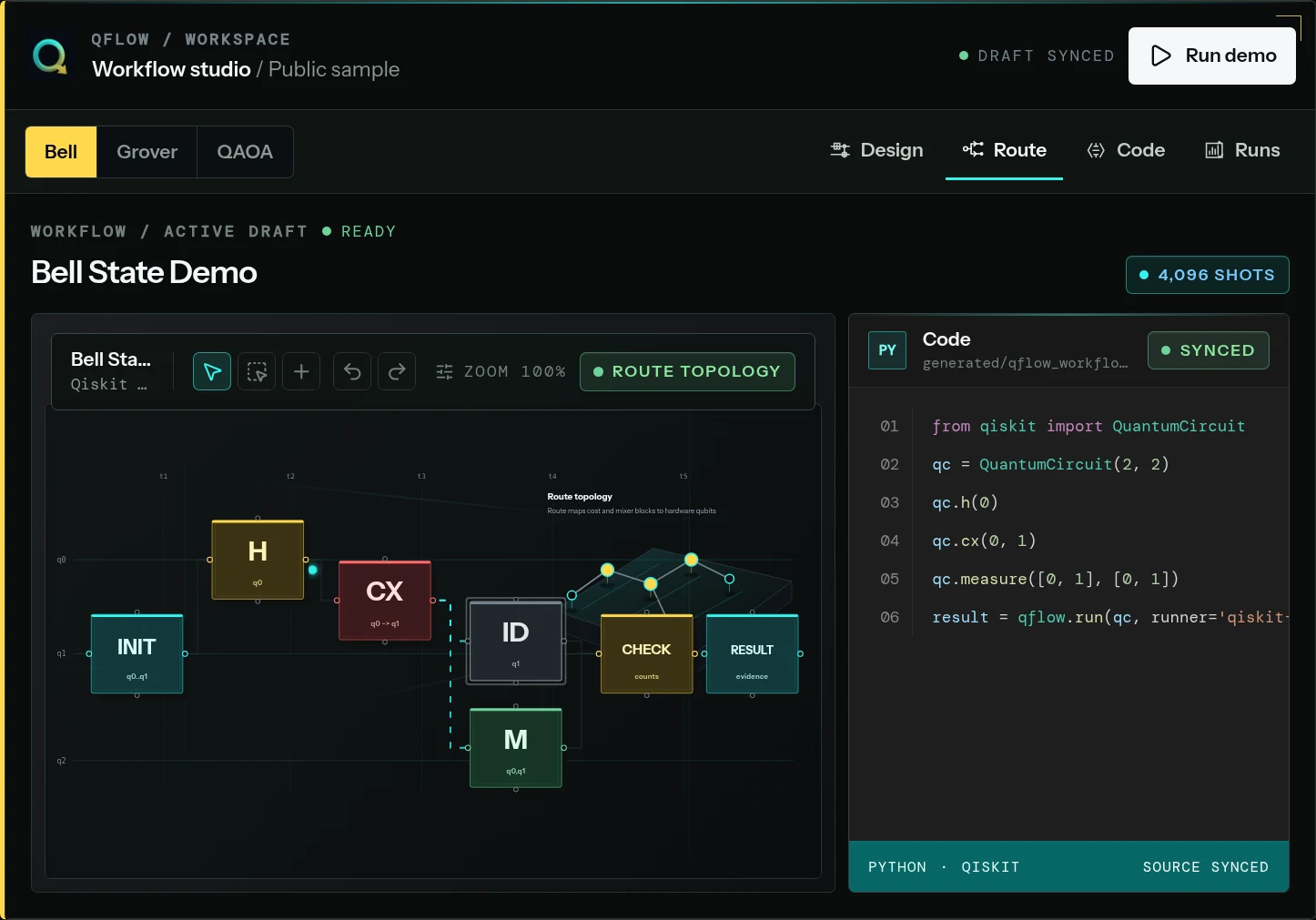
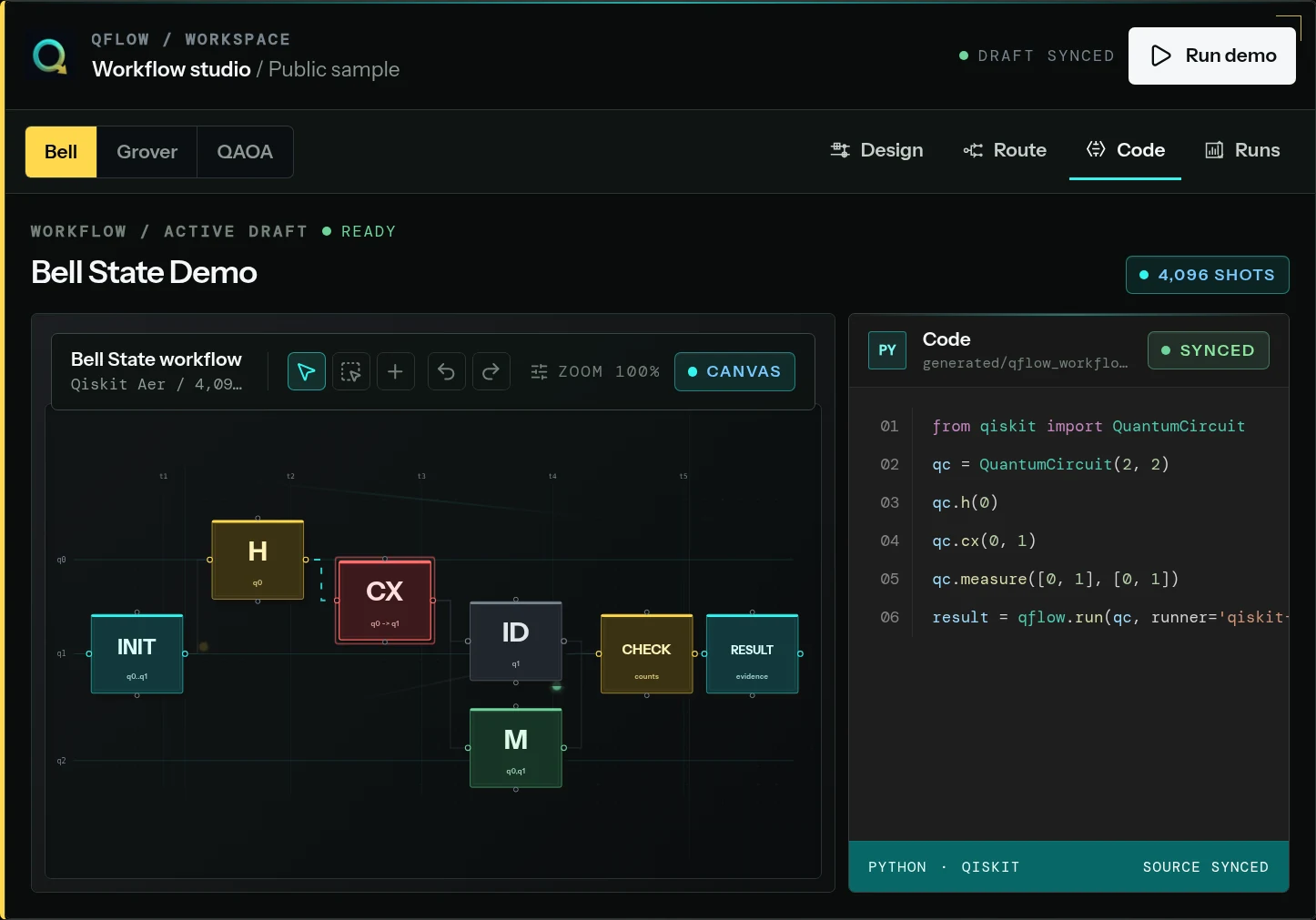
QFlow Studio can serve as the visual workflow and evidence context around an experiment: the brief, circuit, generated source, route preflight, run trace, result, and reviewer note. That operating record is conceptually compatible with documenting job, batch, or session decisions.
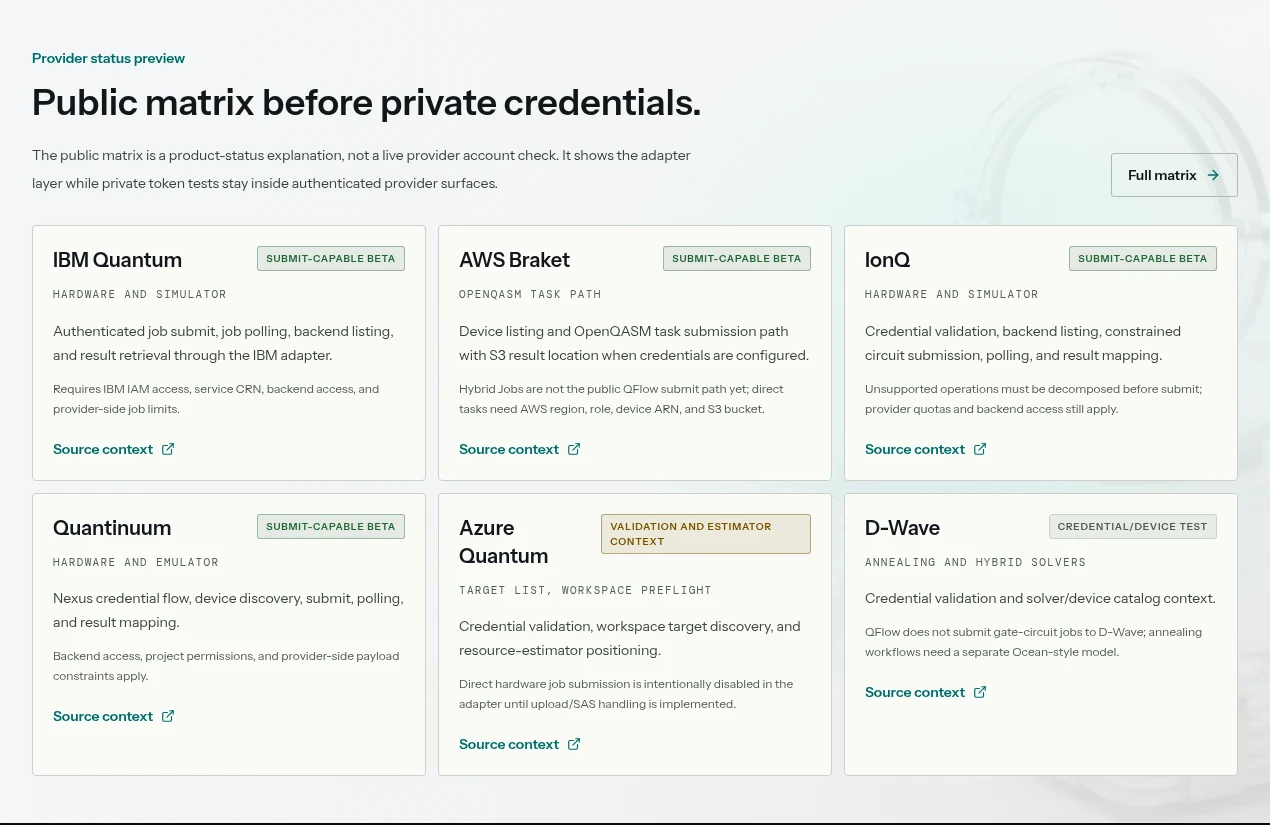
Capability claims must follow QFlow’s dated integration status matrix. Unless the live product explicitly exposes a particular Runtime mode and submission path, this guide is ecosystem guidance—not a statement that QFlow currently creates IBM sessions or batches. Provider credentials, plan eligibility, scheduling, usage, and charges remain controlled by IBM and the user’s independent account.
Practical takeaways
01
Use job mode for one self-contained primitive request.
02
Use batch for independent jobs whose inputs are all ready before execution.
03
Use session for result-dependent iterations when the current account and plan permit it.
04
Do not treat batch as ordered or exclusive, and do not treat session as useful for one job.
05
Preserve the mode decision, identifiers, source, options, usage, result, and failure history as evidence.
RA · Reference annexDefinitions, recurring questions, editorial method, and primary sources.Inspect
The analysis above carries the main reading flow. This reference layer keeps terminology, recurring questions, editorial method, and primary sources available without interrupting the argument.
Field questions
Program questions behind Qiskit Runtime job vs batch vs session: choose by workload shape..
Q01What is the difference between Qiskit Runtime job, batch, and session modes?
Job mode submits one primitive request. Batch groups multiple independent jobs that can be prepared together. Session provides a dedicated window for iterative jobs whose later inputs depend on earlier results.
Q02Does Qiskit batch mode guarantee job order or exclusive QPU access?
No. IBM states that batch jobs are not guaranteed to run in submission order and batches do not receive exclusive backend access. Calibration work may also occur between jobs.
Q03Can IBM Quantum Open Plan users run sessions?
Current IBM documentation says Open Plan workloads must use job or batch mode and cannot use sessions. Because plan rules can change, verify the live IBM documentation before scheduling work.
Q04Does QFlow Studio currently execute every Qiskit Runtime mode?
This article does not make that claim. It explains the IBM ecosystem concepts and how to document the decision. Current QFlow submission capabilities must be verified in its dated integration status matrix.
Editorial record
How Qiskit Runtime job vs batch vs session: choose by workload shape. was checked.
- Editorial owner
- Neura Parse Research
- Last verified
- July 20, 2026
- Method
- Synthesis of the dated primary and official records listed below, checked against the operating question in this note.
- Scope limit
- Planning analysis—not certification, customer performance evidence, procurement advice, or a claim of production readiness.
SRSources reviewed
8 records